
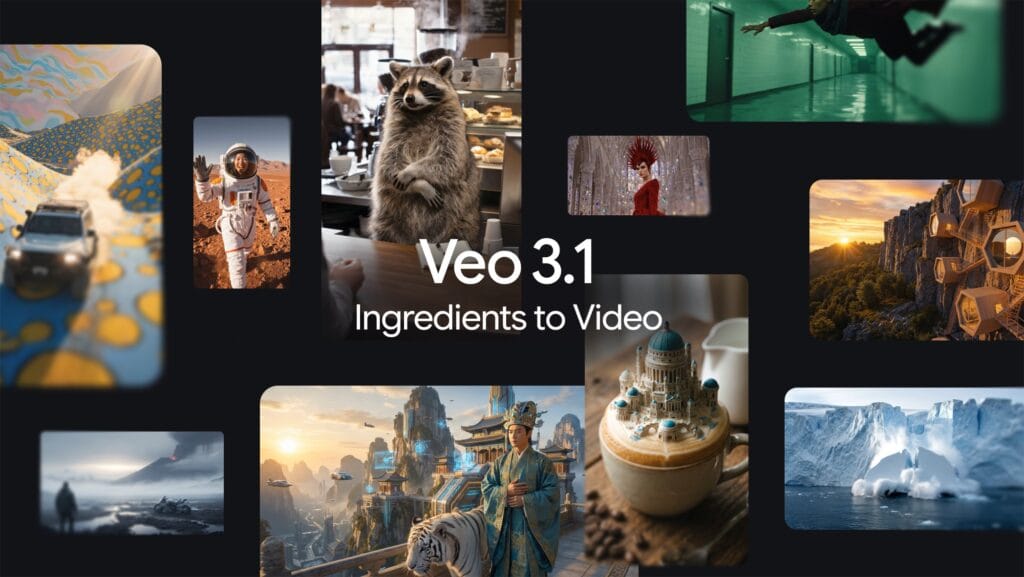
Picture turning a series of portrait shots into an alluring vertical video in seconds: no pesky cropping, nothing but silky-smooth, dribbley content.
That’s the joy I experienced when Google announced the Veo 3.1 updates in the Gemini App this week. As a content creator of sorts for years, these are the sorts of upgrades that feels like an upgrade to my toolkit that also happens to have hacked away response times while elevating output quality.
No matter if you’re a social media hustler just looking to keep up on the feeds, an aspiring filmmaker or just a tinkerer who wants to experiment with AI visuals, Veo 3.1 is set to make video generation more intuitive and powerful than ever before.
But what’s actually new, how does it compare to competitors like OpenAI’s Sora 2, and is it worth the subscription? Let’s dig in, I promise you’ll want to read how this very well might supercharge your next project.
Shocking😱: Grokipedia Surges Past 6 Million Articles [Only 1 Million Away From Overtaking Wikipedia]
What’s New in Veo 3.1?
Google has fine-tuned Veo 3.1 to deliver more expressive and consistent videos with minimal effort. Key highlights include:
- Vertical Video Support: Upload a photo in portrait mode, strike the Video chip in Gemini and see it kick out clips at 9:16 aspect ratio, no fiddling required for Instagram Reels or TikTok.
- Enhanced Reference Image Handling: Videos now achieve consistent character appearance across scenes and retain backgrounds while changing the subject, as well as smooth fusion of e.g. objects or styles. Outputs are dynamic and fun, all with fewer prompts that are shorter.
- Resolution Upgrades: Upscale to clear 4K or enhanced 1080p, available across Gemini App, API & Vertex AI.
- Ingredients to Video Improvements: More consistency between characters, objects and styles.
These rollouts are underway for paying subscribers right now, and provision a world in which AI video creation starts to feel less like rolling the dice and more like genuine sorcery.
Pricing and Access: What You’ll Pay
Veo 3.1 is locked behind Google’s AI subscriptions, no free tier for full access. Here’s a quick breakdown:
| Plan | Monthly Price | Key Perks for Veo Users |
|---|---|---|
| AI Pro | $19.99 | Basic access to Veo 3.1, limited credits (e.g., ~80 videos/month at 8s each). |
| AI Ultra | $249.99 | Unlimited credits, priority processing, plus extras like Flow video editor. |
New users get promotional discounts, such as 50% off the first three months of Ultra.
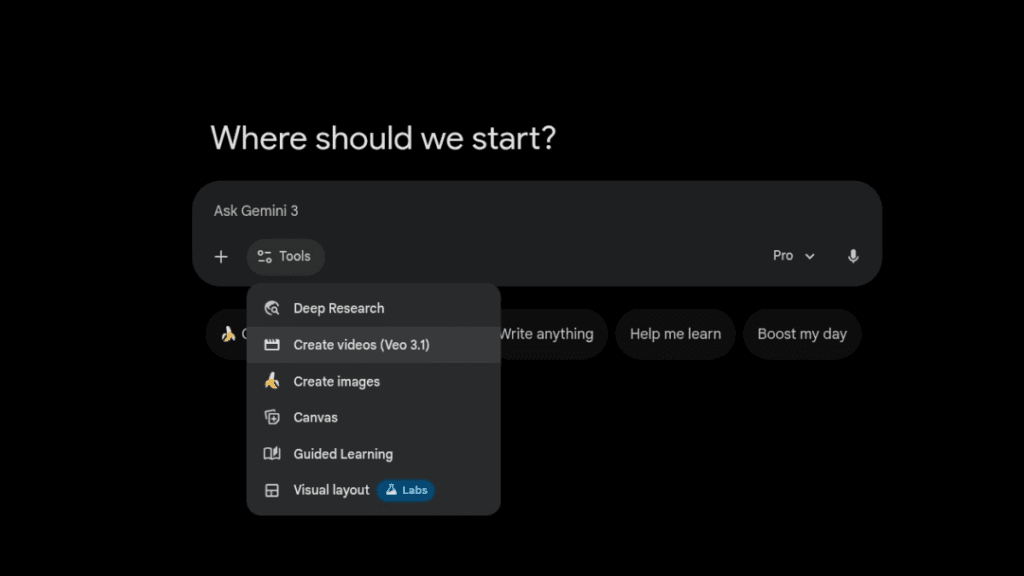
Access through the Gemini App on the web, Android, and iOS or directly at gemini.google.com/veo. If you’re tight on cash, go for Pro; if you’re a heavy user like me, the Ultra is worth it for keeping your creativity and focus going without interruption.
Veo 3.1 vs. Sora 2: Head-to-Head Showdown
There are trade-offs when comparing Veo 3.1 to OpenAI’s Sora 2. Sora 2 is also superior when it comes to hyper-realistic physics, cinematic motion and sound sync, creating clips of 12 seconds in just about half a minute, faster than Veo’s completion time of roughly 45 seconds.
It’s invite-only, and focusing on literal prompt compliance for realism.
See how 3.1’s creative potential is raised by its ability for more continuity between clips like never before to film-imitating stylization even in vertical format projects.
It’s sensitive with mixed content and its 4K upscale works great for social-ready footage.
Sora’s look is more “real,” but Veo frequently has prettier, more artistic, engaging shots. Veo’s subscription model dwarfs Sora’s more limited rollout in terms of accessibility.
Tips, Limitations, and What You Need to Know
To get started, make sure your Gemini account is upgraded, prompts like “Turn this portrait into a dynamic vertical video” are lifesavers. Limitations? Generation times can vary and complex scenes may still require a few tweaks.
Ideal for short clips (up to 8-12 seconds) and with ethical guidelines against content that is harmful or in any way abusive.
All in all, Veo 3.1 democratizes pro level video AI and already, I’ve seen it spark ideas for my own workflows. If you’re all about making videos, give that update a shot!