
What is Clockwise?
Clockwise is an AI-powered calendar assistant that optimizes schedules by rearranging meetings, protecting focus time, and coordinating teams intelligently based on preferences.
When was Clockwise founded?
Clockwise was founded in 2016 in San Francisco by Matt Martin, Gary Lerhaupt, and Mike Grinolds.
How many organizations use Clockwise?
Over 40,000 organizations use Clockwise, including companies like Atlassian, Asana, Reddit, and others.
Is Clockwise free to use?
Yes, it has a Free plan with core features like holds, breaks, and basic links; paid Teams ($6.75/user/month annual) and higher plans unlock advanced automation and analytics.
What calendars does Clockwise integrate with?
It integrates with Google Calendar and Microsoft Outlook for full sync and optimization.
Does Clockwise work with Slack?
Yes, the Clockwise Slack app allows scheduling, status sync, DND during focus/meetings, daily previews, and direct chat-based commands.
What is Clockwise’s main benefit?
It creates more focus time (deep work) by automatically defending calendars from bad meetings and fragmentation, as proven by massive productivity gains in user cases.
Who is Clockwise best for?
Busy professionals, teams, remote/hybrid workers, and enterprises needing smarter calendar management, focus protection, and reduced scheduling friction.

Clockwise

About This AI
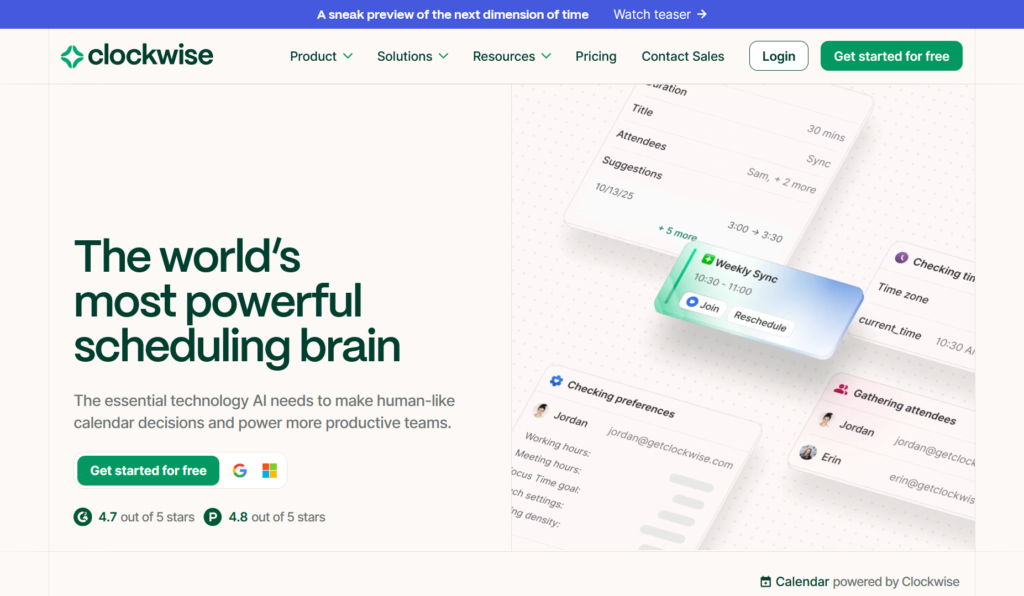
Clockwise is an intelligent AI calendar tool that automates and optimizes scheduling to create more focus time and reduce meeting overload.
It learns user and team preferences, analyzes millions of meeting data points daily, predicts conflicts, and rearranges calendars in real time for better balance between individual deep work and collaborative needs.
Core capabilities include automatic focus time blocking, flexible holds for lunch/travel/breaks, smart meeting rescheduling, time zone handling, and team-wide optimization without constant manual input.
It defends against bad meeting times, double bookings, interruptions, and fragmented days while enabling seamless external scheduling via unlimited Clockwise Links.
Designed for individuals, teams, and enterprises with features like MCP server for AI agent coordination, it integrates deeply with Google Calendar and Microsoft Outlook.
Founded in 2016 and headquartered in San Francisco, Clockwise powers over 40,000 organizations including Atlassian, Asana, Reddit, and others, delivering significant productivity gains like 150,000+ hours of deep work at Atlassian.
Available on free tier for basics and paid plans for advanced automation, analytics, admin controls, and enterprise security (TLS/AES encryption).
Ideal for busy professionals, teams, and companies seeking to reclaim time, boost focus, and streamline calendar management in hybrid/remote work environments.
Key Features
- Preference Learning: AI adapts to individual and team priorities, work styles, and habits for personalized scheduling
- Predictive Scheduling: Anticipates conflicts and optimizes calendars by analyzing millions of data points daily
- Real-Time Optimization: Continuously rearranges events to maximize focus time and minimize fragmentation
- Focus Time Protection: Automatically blocks uninterrupted deep work periods and defends against interruptions
- Flexible Holds: Smart holds for lunch, travel, breaks, and routines with automatic adjustments
- Team Coordination: Balances individual needs with group availability across time zones
- Smart Meeting Breaks: Inserts breaks to prevent burnout and improve productivity
- Clockwise Scheduling Links: Unlimited external booking links for seamless outside coordination
- MCP Server: Enables AI agents to reason, plan, and coordinate time at scale with humans
- Calendar Analytics: Insights on focus hours, meetings, and fragmentation (enhanced in paid plans)
- Admin Controls: Enterprise-grade management, security, and compliance features
Price Plans
- Free ($0): Basic calendar help including lunch/flexible/travel holds, smart breaks, personal sync, and limited Clockwise Links
- Teams ($6.75/Month per user, billed annually): Unlimited automation, advanced customization, team focus protection, group links, and more collaboration features
- Business ($11.50/Month per user, billed annually): Enhanced analytics, admin controls, extended optimization, and full enterprise features
- Enterprise (Custom): Tailored for large orgs with dedicated support, security, and scalability
Pros
- Significant focus time gains: Creates hours of uninterrupted work, as seen in Atlassian case (150k+ hours)
- Intelligent automation: Reduces manual scheduling and back-and-forth emails dramatically
- Team-wide impact: Optimizes across organizations without sacrificing collaboration
- Strong adoption: Used by over 40,000 organizations including major tech companies
- Free tier value: Core features available at no cost for individuals and small teams
- Proven results: Streamlines thousands of meetings and boosts productivity metrics
- Privacy and security: Enterprise-grade encryption and controls for sensitive data
- Easy setup: Quick integration with existing calendars
Cons
- Limited free tier scope: Advanced team features, analytics, and unlimited optimization require paid plans
- Dependency on calendar sync: Relies on accurate Google/Microsoft calendar data
- Learning curve for teams: Full benefits need consistent adoption across organization
- No mobile app focus: Primarily web/extension-based; mobile via browser or calendar apps
- Pricing per user: Scales with team size, potentially costly for large groups
- Occasional over-optimization: Rare cases where AI rearrangements may not align perfectly with nuanced preferences
- Outlook support newer: Google integration more mature historically
Use Cases
- Protecting deep work time: Block focus periods automatically for high-priority tasks
- Team meeting coordination: Find optimal times across busy schedules and time zones
- Reducing context switching: Minimize fragmented days and interruptions
- External scheduling: Share links for easy booking with clients/partners
- Hybrid/remote team management: Balance flexibility and collaboration
- Productivity analytics: Track focus hours and meeting impact for teams
- AI agent workflows: Coordinate time at scale with MCP server
Target Audience
- Busy professionals: Individuals needing more deep work and less scheduling hassle
- Teams and departments: Groups wanting aligned, conflict-free calendars
- Tech companies: High-adoption orgs like Atlassian, Asana, Reddit
- Remote/hybrid workers: Managing time zones and flexibility
- Leaders and managers: Optimizing team productivity and well-being
- Enterprises: Large organizations seeking secure, scalable AI scheduling
How To Use
- Sign up: Visit getclockwise.com and create account with work email
- Connect calendar: Grant access to Google Calendar or Microsoft Outlook via OAuth
- Set preferences: Define work hours, priorities, focus needs, and team settings
- Install extension/app: Add Chrome extension or Slack app for quick access
- Let AI optimize: Clockwise runs daily; review/adjust suggestions in dashboard
- Use links: Share Clockwise Scheduling Links for external bookings
- Monitor impact: Check analytics on focus time and meetings gained
How we rated Clockwise
- Performance: 4.6/5
- Accuracy: 4.7/5
- Features: 4.8/5
- Cost-Efficiency: 4.5/5
- Ease of Use: 4.6/5
- Customization: 4.7/5
- Data Privacy: 4.8/5
- Support: 4.4/5
- Integration: 4.7/5
- Overall Score: 4.7/5
Clockwise integration with other tools
- Google Calendar: Full sync and optimization for primary calendar source
- Microsoft Outlook: Native integration for calendar management and scheduling
- Slack: AI assistant in Slack for scheduling, status sync, DND, and previews
- Zoom: Meeting details and availability awareness for better coordination
- Chrome Extension: Quick access and browser-based controls for Google users
Best prompts optimised for Clockwise
FAQs
Newly Added Tools







About Author