
What is Ray 3 Modify?
Ray 3 Modify is an AI tool for transforming videos by applying new styles, materials, or scenes using reference images, with intelligent context understanding for realistic results.
How does Ray 3 Modify work?
Upload a short video clip and reference images, add a prompt describing changes, and generate in about 2 minutes for 1080P output with preserved motion and structure.
What video length does Ray 3 Modify support?
Limited to short clips up to 30 seconds (ideal 5-10s), 720p or 1080p resolution, and small file sizes (references under 10MB).
Is Ray 3 Modify free to use?
Likely offers free basic access (common on Ray3 platform), with paid plans or credits for higher volume and professional features (exact pricing not detailed on Modify page).
What are the main use cases for Ray 3 Modify?
E-commerce product videos, fashion virtual try-ons, brand marketing, creative style transfers, and quick scene/environment changes without reshooting.
Does Ray 3 Modify support commercial use?
Yes, generated videos include full commercial rights for marketing, advertising, e-commerce, and other professional applications.
What output quality does Ray 3 Modify provide?
Professional 1080P HDR at 24fps with options for draft mode (faster/lower quality) and multi-shot sequences.
Can Ray 3 Modify handle different languages?
Prompts support English and Chinese, making it accessible for global users in those languages.

Ray 3 Modify

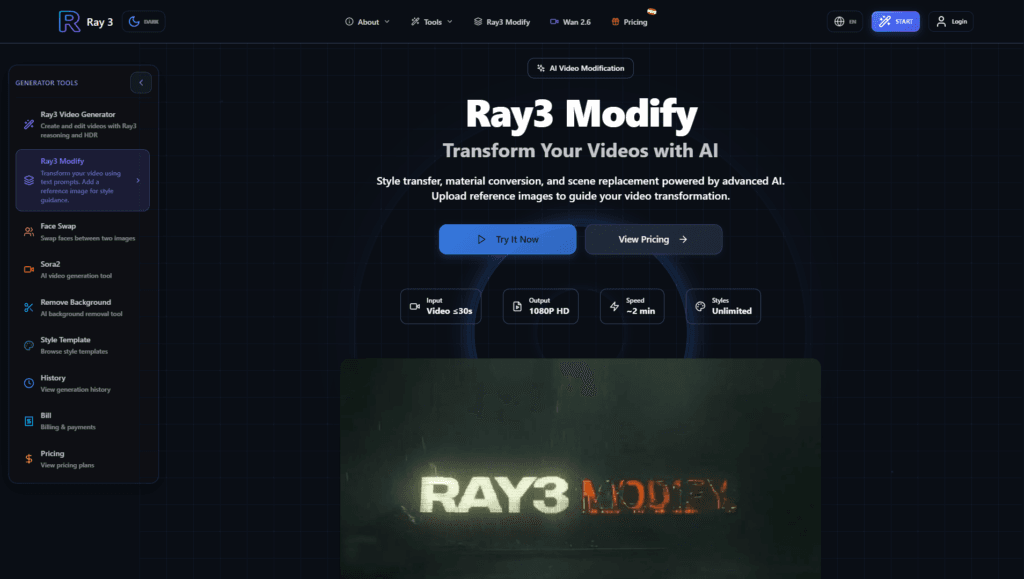
About This AI
Ray 3 Modify is an advanced AI video transformation tool that allows users to modify existing footage by applying new styles, materials, appearances, or scenes using reference images.
It intelligently understands visual context to change styles (artistic, metallic, anime), convert materials (ice, glass, gold, pixelated), replace scenes with automatic lighting/shadow adaptation, and perform video-to-video transformations while preserving motion, structure, proportions, and realism.
Users upload short clips (up to 30 seconds, 720p/1080p, 5-10s ideal) along with reference images or videos, add natural language prompts (English/Chinese supported) with preset categories for subjects, camera angles, lighting, styles, composition, action, mood, and audio elements.
Generation takes about 2 minutes for 1080P HDR output at 24fps, with options for multi-shot transitions or single continuous shots, draft mode for quick iterations, and full commercial rights on outputs.
Part of the Ray3 platform (ray3.co), it emphasizes intelligent, context-aware edits over traditional post-production, making it suitable for creative studios, e-commerce product videos, fashion visualization, brand marketing, and content creation without expensive reshoots.
The tool focuses on maintaining narrative coherence, physical logic, and performance authenticity in modifications.
Key Features
- Style Transfer: Apply artistic or custom styles from references while preserving original motion and structure
- Material Conversion: Change object materials realistically (e.g., turn clothing to metal, add ice effects)
- Scene Replacement: Swap backgrounds/environments with automatic lighting, shadow, and consistency adaptation
- Video-to-Video Transformation: Use reference videos to guide modifications while keeping character/performance intact
- Reference Image Guidance: Upload images to direct changes intelligently without manual masking
- Prompt Presets: Guided categories for subjects, scenes, camera angles, lighting, styles, composition, action, mood, and audio
- Multi-Shot Generation: Create sequences with transitions or single continuous shots
- Draft Mode: Faster, lower-cost iterations for testing ideas quickly
- 1080P HDR Output: Professional-grade quality at 24fps with high fidelity
- Commercial Rights: All generated videos include full commercial licensing
Price Plans
- Free ($0): Basic access and testing likely available (common for Ray3 platform); exact limits not specified on Modify page
- Paid Plans (From Ray3 platform): Subscription tiers (e.g., starting around $8-30/month in sales) or credit purchases for higher volume/professional use
Pros
- Intelligent context understanding: Maintains motion, proportions, lighting, and realism in edits
- Fast generation: About 2 minutes per transformation for efficient workflow
- Versatile applications: Ideal for e-commerce, fashion, marketing, and creative studios
- Reference-based precision: Guides changes accurately with images/videos
- Commercial-ready: Full rights for professional and business use
- Multi-language prompts: Supports English and Chinese for broader accessibility
- Draft mode efficiency: Quick testing reduces trial-and-error time
Cons
- Video length limits: Restricted to short clips (up to 30s, 5-10s ideal)
- File size restrictions: References under 10MB; larger files rejected
- Potential generation interruptions: May stop halfway (FAQ available for troubleshooting)
- No pricing transparency on page: Costs not detailed; likely credit/subscription-based from parent platform
- Web-dependent: Requires internet; no offline mode
- Output variability: Complex prompts or poor references may yield artifacts
- Limited duration: Not suited for long-form video editing
Use Cases
- E-commerce product videos: Change backgrounds, materials, or settings without reshooting
- Fashion and apparel: Virtual try-on, clothing style changes, or outfit visualization
- Brand marketing: Create consistent branded content or ad variations quickly
- Creative studios: Style transfer for film, music videos, or artistic experiments
- Content creators: Transform footage for social media or personalized animations
- Advertising: Swap scenes or apply effects for dynamic campaigns
Target Audience
- Creative professionals: VFX artists, filmmakers, and ad creators needing quick modifications
- E-commerce sellers: Enhancing product visuals without physical shoots
- Fashion brands: Virtual styling and visualization
- Marketers and advertisers: Producing varied branded video content efficiently
- Content creators: Transforming existing footage for platforms like TikTok or YouTube
- Small studios: Cost-effective alternative to traditional editing
How To Use
- Access tool: Visit ray3.co/modify and sign in or start as guest if allowed
- Upload video: Add your clip (MP4/MOV/MKV, short duration, 720p/1080p recommended)
- Add references: Upload guiding images or videos for style/material/scene
- Enter prompt: Use natural language or presets to describe desired changes
- Customize options: Choose multi-shot, draft mode, or other settings
- Generate: Submit and wait approximately 2 minutes for output
- Download: Review and export the transformed video with commercial rights
How we rated Ray 3 Modify
- Performance: 4.5/5
- Accuracy: 4.6/5
- Features: 4.7/5
- Cost-Efficiency: 4.4/5
- Ease of Use: 4.5/5
- Customization: 4.8/5
- Data Privacy: 4.3/5
- Support: 4.2/5
- Integration: 4.4/5
- Overall Score: 4.5/5
Ray 3 Modify integration with other tools
- Ray3 Platform: Native part of Ray3 ecosystem for seamless access to other generation tools
- Video Editing Software: Export MP4 files compatible with Premiere Pro, DaVinci Resolve, Final Cut Pro, or CapCut
- Social Media: Optimized outputs for TikTok, Instagram Reels, YouTube Shorts, and other platforms
- Marketing Tools: Potential workflow integration with content management or ad platforms via exports
- API (Platform-Level): Ray3 may offer API for programmatic video modifications in custom apps
Best prompts optimised for Ray 3 Modify
- Transform this product video to show the item made of shiny gold metal with realistic reflections and lighting, keep original motion and background subtle
- Change the scene in this fashion clip to a snowy winter landscape at dusk, maintain character outfit and pose consistency, add soft snow falling
- Apply cyberpunk neon style to this street footage, add glowing signs and rain reflections on wet pavement, preserve actor movements
- Replace the background with a luxurious modern office interior, adjust lighting to match indoor sources, keep subject professional appearance
- Convert the clothing material to futuristic chrome with holographic effects, ensure smooth animation and no distortion in body shape
FAQs
Newly Added Tools







About Author