


What is Ray 3 Modify?
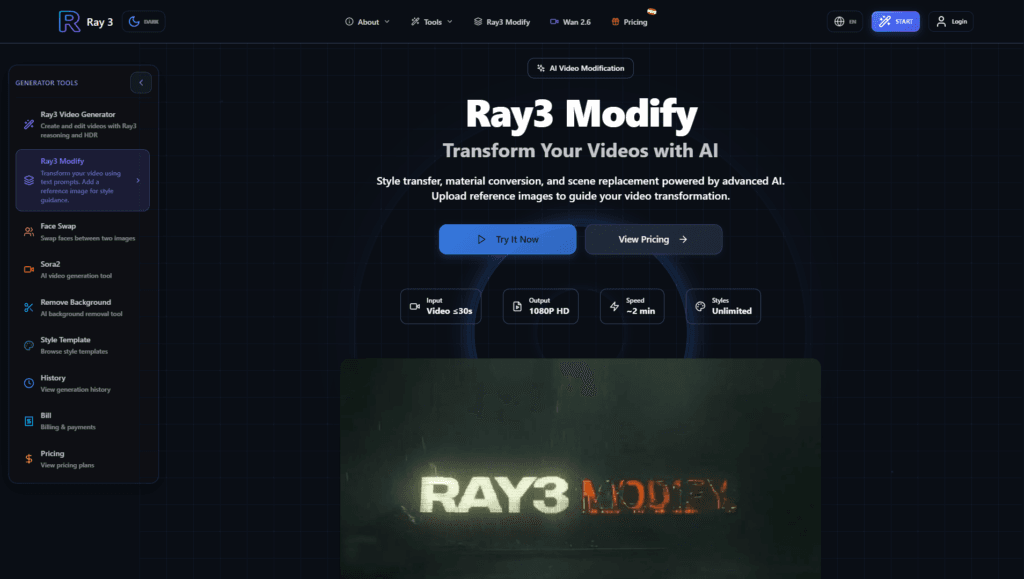
Ray 3 Modify is an AI tool for transforming videos by applying new styles, materials, or scenes using reference images, with intelligent context understanding for realistic results.
How does Ray 3 Modify work?
Upload a short video clip and reference images, add a prompt describing changes, and generate in about 2 minutes for 1080P output with preserved motion and structure.
What video length does Ray 3 Modify support?
Limited to short clips up to 30 seconds (ideal 5-10s), 720p or 1080p resolution, and small file sizes (references under 10MB).
Is Ray 3 Modify free to use?
Likely offers free basic access (common on Ray3 platform), with paid plans or credits for higher volume and professional features (exact pricing not detailed on Modify page).
What are the main use cases for Ray 3 Modify?
E-commerce product videos, fashion virtual try-ons, brand marketing, creative style transfers, and quick scene/environment changes without reshooting.
Does Ray 3 Modify support commercial use?
Yes, generated videos include full commercial rights for marketing, advertising, e-commerce, and other professional applications.
What output quality does Ray 3 Modify provide?
Professional 1080P HDR at 24fps with options for draft mode (faster/lower quality) and multi-shot sequences.
Can Ray 3 Modify handle different languages?
Prompts support English and Chinese, making it accessible for global users in those languages.