
What is Virbo AI?
Virbo AI by Wondershare is an AI video generator that creates realistic talking avatar videos from text scripts, with voice cloning, 350+ avatars, and support for 80+ languages.
When was Virbo AI launched?
Wondershare Virbo was officially launched on June 2, 2023, with soft debut at Dublin Tech Summit.
Is Virbo AI free to use?
It offers a free trial/basic access with limits; paid plans start around $9.9-$19.9/month (or annual discounts) for full features, HD, no watermarks, and higher limits.
What are Virbo AI’s main features?
Key features include AI avatars, voice cloning, text-to-video, talking photo, URL-to-video, video translation, montage/clip maker, and customization for backgrounds/themes.
How many languages does Virbo AI support?
It supports over 80 languages with accents, plus translation/dubbing in 150+ languages for scripts and voiceovers.
Can Virbo AI be used commercially?
Yes, paid plans enable commercial use without watermarks; free tier may have restrictions or watermarks.
Who is Virbo AI best for?
It’s ideal for marketers, content creators, educators, businesses, and YouTubers needing quick avatar-based videos, ads, explainers, or multilingual content.
Does Virbo AI have mobile support?
Yes, it works on web, desktop (Windows), and mobile apps for iOS and Android.

Virbo AI

About This AI
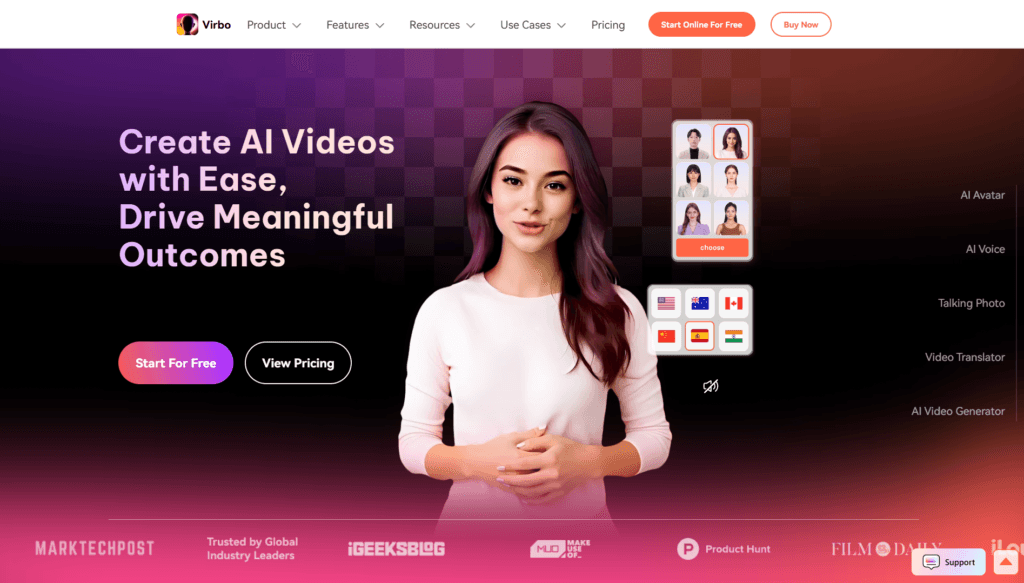
Virbo AI by Wondershare is a powerful AI-powered video generator that enables users to create realistic avatar videos from text scripts in minutes.
It features over 350 lifelike AI avatars with natural expressions and lip-sync, 400+ natural-sounding voices across nationalities, and support for more than 80 languages with accents for global content.
Core capabilities include text-to-video creation, voice cloning for personalized audio, talking photo animation (upload image and script to make it speak), URL-to-video (analyze links to generate promotional clips), AI montage maker (blend clips into engaging videos), AI clip maker (extract highlights from long content), and video translation/dubbing with subtitles.
Users can customize avatars (gender, background, theme like marketing or education), add emotions to voices, integrate logos, and generate videos in portrait or landscape formats.
Launched in June 2023 with major updates like Virbo 2.0 (2024) for lite avatars and Web 2.0, and Virbo 3.0 (2024) for advanced tools, it targets fast content creation without editing skills.
Ideal for marketing ads, explainer videos, social media, education, training, product demos, and faceless YouTube content.
Freemium model with free trial/basic access; paid plans unlock HD, no watermarks, longer durations, commercial rights, and higher credits.
Cross-platform (web, desktop, mobile iOS/Android), it emphasizes ease, speed, and professional quality for creators, businesses, and educators.
Key Features
- AI Avatar Video Generation: Create talking head videos with 350+ realistic avatars and natural lip-sync
- Voice Cloning: Clone your voice or use 400+ natural AI voices with emotions and accents
- Text-to-Video: Convert scripts to full videos in minutes with customizable templates
- Talking Photo: Animate still images to speak with script and matching voice
- URL to Video: Analyze product/page links to auto-generate promotional clips
- AI Montage and Clip Maker: Blend clips or extract highlights for viral shorts
- Video Translation and Dubbing: Translate and dub videos with subtitles in 80+ languages
- Multi-Ethnic Avatars: Diverse avatars for global/localized content
- Customization Options: Adjust backgrounds, themes, genders, logos, and aspect ratios
- Fast Creation: Videos ready in minutes with no editing skills needed
Price Plans
- Free ($0): Trial/basic access with limited minutes, avatars, or features; watermarks on outputs; suitable for testing
- Starter/Creator ($9.9 to $19.9/Month or equivalent annual): Access to more avatars, voices, HD, no watermark, longer durations, commercial use
- Pro/Business (Higher tiers, e.g., $89.9/Month for Creator Plan): Unlimited or high credits, advanced cloning, priority support, enterprise features
Pros
- Highly realistic avatars: Natural expressions, lip-sync, and movements for professional look
- Multilingual excellence: 80+ languages, accents, and translation for international reach
- Time-saving: Generate complete videos quickly from text or URLs
- Versatile tools: Voice cloning, talking photos, montage, and dubbing in one platform
- Cross-platform: Works on web, desktop, iOS/Android for flexible use
- Affordable entry: Free trial/basic; paid plans offer good value for creators
- Marketing-focused: Strong for ads, explainers, social media, and e-commerce
Cons
- Free tier limited: Basic access with restrictions on duration, quality, or watermarks
- Paid for full features: HD, no watermark, commercial use, longer videos require subscription
- Avatar variety: While large, custom cloning may need premium or specific setup
- Generation time: Complex videos can take longer depending on settings
- Learning curve: Advanced features like cloning or montage may require practice
- No offline mode: Relies on internet for AI processing
- Potential artifacts: Rare lip-sync or expression issues in edge cases
Use Cases
- Marketing videos: Product promos, ads, explainer content with branded avatars
- Social media content: Short engaging clips, Reels, TikToks, YouTube Shorts
- Educational/training: Tutorials, courses, corporate training with talking avatars
- Business presentations: Sales pitches, announcements, customer support videos
- Multilingual content: Translate/dub videos for global audiences
- Faceless channels: YouTube or social automation with AI avatars
- Personal projects: Custom greetings, stories, or talking photos
Target Audience
- Content creators and YouTubers: Needing quick faceless or avatar-based videos
- Marketers and businesses: Producing ads, promos, and social content fast
- Educators and trainers: Creating engaging lessons or corporate training
- Social media influencers: Generating multilingual or styled short videos
- Small businesses/e-commerce: Product demos and customer engagement clips
- Developers/enterprises: Using for scalable video production
How To Use
- Sign up: Visit virbo.wondershare.com and start free or log in
- Choose template or mode: Select avatar video, talking photo, text-to-video, or URL-to-video
- Input script: Paste text, upload audio, or enter URL; customize avatar/voice/language
- Customize: Pick avatar, background, theme, add emotions/logo, adjust duration
- Generate: Click create; preview video with lip-sync and audio
- Edit if needed: Tweak script, voice, or clips in editor
- Download/export: Save HD (paid) or share directly
How we rated Virbo AI
- Performance: 4.6/5
- Accuracy: 4.5/5
- Features: 4.8/5
- Cost-Efficiency: 4.4/5
- Ease of Use: 4.7/5
- Customization: 4.7/5
- Data Privacy: 4.4/5
- Support: 4.5/5
- Integration: 4.3/5
- Overall Score: 4.6/5
Virbo AI integration with other tools
- Cross-Platform Apps: Seamless use on web, Windows, iOS, Android for flexible creation
- Social Media Export: Optimized output formats for YouTube, TikTok, Instagram, Facebook direct sharing
- Video Editing Tools: Export MP4 for import into Premiere Pro, CapCut, DaVinci Resolve, or Final Cut
- Marketing Platforms: Generate content compatible with Canva, Jasper, or social schedulers
- Custom Workflows: Potential API or export for enterprise automation (not explicitly detailed)
Best prompts optimised for Virbo AI
- A professional female AI avatar in business attire presents a product demo for a new smartphone in a modern office setting, speaking in clear American English with enthusiastic tone, cinematic lighting, 16:9 format
- Friendly male avatar teacher explains Python programming basics to beginners, whiteboard background, engaging expressions, neutral accent, educational style, 9:16 vertical for TikTok
- Elegant multilingual avatar promotes a luxury travel package in Spanish, scenic beach and city shots, warm lighting, persuasive marketing tone, include subtitles
- Custom cloned voice avatar narrates a motivational quote with dramatic music, dark cinematic background, slow zoom-in, emotional delivery, high detail
- Talking photo of a historical figure like Albert Einstein explaining E=mc² in simple terms, animated expression, chalkboard setting, English with subtitles
FAQs
Newly Added Tools







About Author