



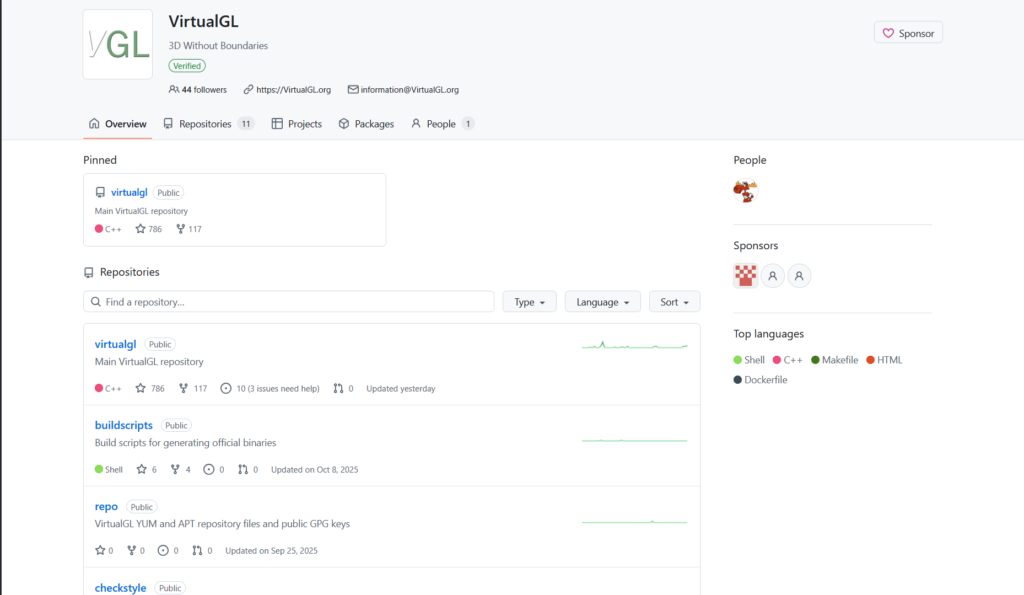
What is VirtualGL?
VirtualGL is an open-source toolkit that redirects OpenGL 3D rendering from Linux/Unix applications to server-side GPU hardware and streams results to remote thin clients for hardware-accelerated remote display.
Is VirtualGL free to use?
Yes, VirtualGL is completely free and open-source under GPL and wxWindows licenses with no fees; donations/sponsorship encouraged for maintenance.
When was VirtualGL first released?
VirtualGL originated in the early 2000s with initial open-source releases around 2004; stable 2.6.5 in 2020, ongoing 3.0+ pre-releases through 2025.
Who maintains VirtualGL?
It is maintained independently by Darrell Commander as an open-source project, with history tied to Sun Microsystems and community contributions.
What operating systems does VirtualGL support?
Server-side on Linux/Unix (various distros); client-side on Linux, Windows, macOS (including Apple Silicon native support).
How do I use VirtualGL?
Install package, configure server (vglserver_config), add users to group, launch apps with vglrun prefix, and pair with VNC or X forwarding for remote access.
What is VirtualGL commonly used with?
Frequently paired with TurboVNC for high-speed remote 3D desktops, ThinLinc/NoMachine, or SSH X forwarding in HPC and visualization environments.
Is VirtualGL actively maintained in 2026?
Yes, 3.0+ series continues with pre-releases, bug fixes, Wayland/Xwayland support, and community activity on GitHub.