




Zelili AI

Windsurf AI

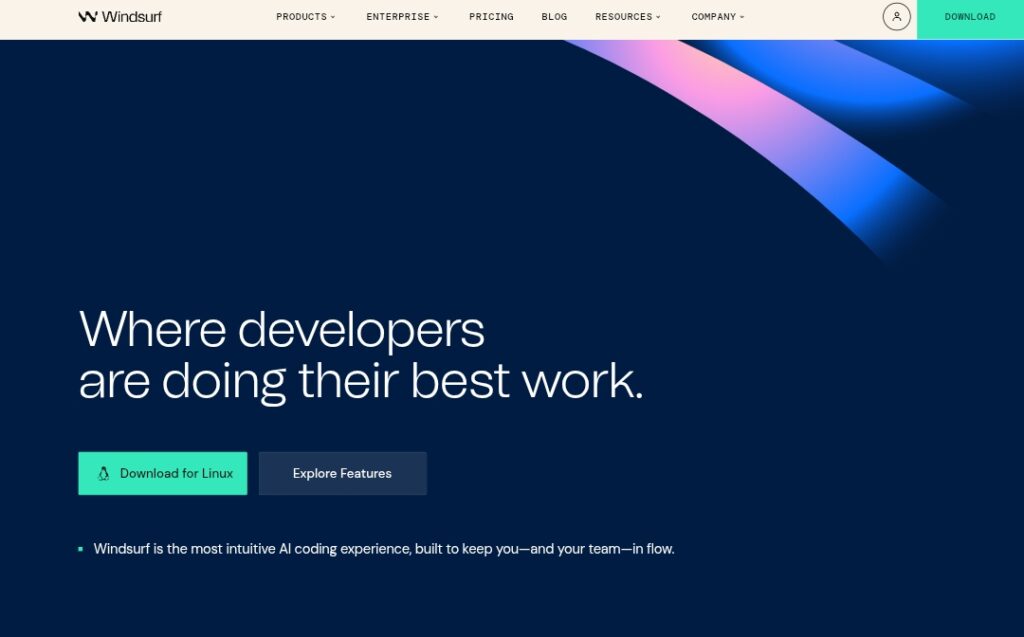
AI-Native IDE and Coding Assistant for Flow-State Development
Tool Release Date

13 Nov 2024

Tool Users
1 Million+
0.0
๐Ÿ‘ 9

About This AI

Windsurf AI is an advanced AI-powered coding platform featuring the Windsurf Editor, the first agentic IDE designed to keep developers in flow state.

It combines deep codebase understanding, real-time awareness, and autonomous AI agents (like Cascade) to generate, refactor, debug, and execute code with minimal manual effort.

Key capabilities include Cascade Write Mode for multi-file creation/testing/debugging, Memories for retaining project context, Supercomplete for intelligent autocompletion, lint auto-fixing, terminal command execution, preview servers, one-click deployments, drag-and-drop image-to-design, and integration with models like Claude, GPT, Gemini, xAI.

Available on Mac, Windows, Linux as a VS Code fork with native plugins for JetBrains, it supports MCP (Model Control Protocol) for custom tools/services (Figma, Slack, Stripe).

Launched in November 2024 (rebranded from Codeium in 2025), it has grown to over 1 million users and 4,000+ enterprise customers, with 94 percent of code reportedly AI-written in some workflows.

Freemium model: free for individuals (25 credits/month), Pro at $15/month (500 credits), Teams at $30/user/month, with enterprise options.

Trusted by startups, agencies, and large teams for boosting productivity through intuitive AI collaboration.

Key Features

  1. Agentic IDE with Cascade: Autonomous AI agent for multi-file code creation, testing, debugging, and execution
  2. Deep codebase understanding: Remembers project context, patterns (e.g. Next.js), and workflow details via Memories
  3. Supercomplete autocompletion: Context-aware suggestions across entire codebase
  4. Auto lint fixing: Detects and corrects lint errors automatically
  5. Terminal command assistance: Suggests/executes commands with Turbo Mode for auto-run
  6. Preview and deployment: Instant local servers and one-click app deployments
  7. Drag-and-drop image support: Build designs from images dropped into Cascade
  8. MCP integration: One-click setup for custom tools/services like Figma, Slack, Stripe
  9. Multi-model support: Switch between Claude, GPT, Gemini, xAI, open-source models
  10. Plugin ecosystem: Native support for JetBrains, GitHub, PostgreSQL, Playwright, Neon
  11. Problems tab: Lists project issues from pytest, pylint, radon for quick resolution

Price Plans

  1. Free ($0): 25 prompt credits/month across models, basic AI assistance, individual use
  2. Pro ($15/Month): 500 credits/month, unlimited features, advanced agent capabilities, priority access
  3. Teams ($30/user/Month): All Pro features plus team collaboration, admin controls, flexible deployments
  4. Enterprise (Custom): Tailored plans with enhanced personalization, SSO, dedicated support

Pros

  1. Flow-state focus: Minimizes context-switching and keeps developers productive
  2. Agentic power: Goes beyond autocomplete to autonomous task handling
  3. Strong adoption: Over 1 million users and 4,000+ enterprise customers
  4. High AI contribution: Up to 94 percent code written by AI in some cases
  5. Free individual plan: Solid entry with 25 credits/month across models
  6. Cross-platform: Mac, Windows, Linux with JetBrains plugin support
  7. Rapid evolution: Frequent updates and model integrations

Cons

  1. Credit limits on free: 25 credits/month; heavy use requires Pro/Teams
  2. Learning curve for agentic features: Cascade and Memories need time to master
  3. VS Code fork: May miss some native VS Code extensions initially
  4. Token-based pricing: Extra credits add cost for intensive workflows
  5. Enterprise focus: Advanced features geared toward teams/companies
  6. No web version: Desktop-only (no browser-based editor)
  7. Potential over-reliance: High AI code generation may affect skill development

Use Cases

  1. Full-stack development: Generate, refactor, debug multi-file projects with Cascade
  2. Boilerplate reduction: Automate repetitive code, setups, and lint fixes
  3. Team workflows: Share context via Memories for collaborative coding
  4. Rapid prototyping: Build previews/deployments instantly from prompts
  5. Design-to-code: Drag images into Cascade for UI implementation
  6. Learning and upskilling: Get explanations and suggestions while coding
  7. Enterprise productivity: Scale AI assistance across large codebases

Target Audience

  1. Individual developers: Seeking faster, more intuitive coding with AI
  2. Startups and agencies: Needing efficient prototyping and iteration
  3. Enterprise teams: Large-scale codebases with collaboration needs
  4. AI enthusiasts: Exploring agentic IDEs and multi-model integration
  5. Students and educators: Learning coding with powerful AI support
  6. Product teams: Accelerating feature development and debugging

How To Use

  1. Download editor: Visit windsurf.com/download and install for Mac/Windows/Linux
  2. Create account: Sign up free on windsurf.com (Google/GitHub login available)
  3. Open project: Load existing codebase or start new one in Windsurf Editor
  4. Use Cascade: Highlight code or describe task in Cascade panel for AI action
  5. Enable features: Turn on Memories, Turbo Mode, or add MCP integrations
  6. Refine outputs: Accept suggestions, fix lints automatically, run previews
  7. Upgrade if needed: Subscribe Pro/Teams for more credits and team tools

How we rated Windsurf AI

  • Performance: 4.8/5
  • Accuracy: 4.7/5
  • Features: 4.9/5
  • Cost-Efficiency: 4.6/5
  • Ease of Use: 4.7/5
  • Customization: 4.8/5
  • Data Privacy: 4.5/5
  • Support: 4.4/5
  • Integration: 4.8/5
  • Overall Score: 4.8/5

Windsurf AI integration with other tools

  1. JetBrains IDEs: Native plugin for IntelliJ, PyCharm, etc. with full Windsurf features
  2. MCP Servers: One-click integration for Figma, Slack, Stripe, PostgreSQL, Playwright, Neon
  3. Model Providers: Direct support for Claude, GPT, Gemini, xAI, open-source models
  4. GitHub: Version control and repo integration for seamless workflows
  5. Terminal & Previews: Built-in execution and local server deployment

Best prompts optimised for Windsurf AI

  1. Refactor this entire component to follow Next.js best practices, add TypeScript types, and optimize for performance: [paste code]
  2. Generate a full-stack CRUD app for task management with React frontend, Node backend, and MongoDB: include auth and deployment scripts
  3. Debug why this API endpoint is returning 500 error and fix the issue: [paste error log and code]
  4. Create a responsive dashboard UI from this Figma design image [drag image], using Tailwind CSS and React
  5. Write unit tests with Jest for this function and ensure 100 percent coverage: [paste function code]
Windsurf AI redefines coding with its agentic IDE that keeps developers in flow through autonomous Cascade agents, deep context memory, and seamless integrations. With 1 million+ users, it excels at reducing boilerplate, debugging, and prototyping. Free tier suits individuals, Pro/Teams plans deliver unlimited power for serious developers and enterprises.

FAQs

  • What is Windsurf AI?

    Windsurf AI is an AI-native IDE and coding assistant (formerly Codeium) featuring agentic tools like Cascade for autonomous code generation, refactoring, debugging, and workflow automation.

  • When was Windsurf launched?

    The Windsurf Editor launched in November 2024, with rebranding from Codeium in 2025 and ongoing updates into 2026.

  • How many users does Windsurf have?

    Windsurf has over 1 million users worldwide, trusted by innovators, teams, and more than 4,000 enterprise customers.

  • Is Windsurf free to use?

    Yes, free for individuals with 25 credits/month; Pro at $15/month (500 credits), Teams at $30/user/month, with enterprise custom plans.

  • What makes Windsurf different from Cursor or Copilot?

    It offers a full agentic IDE with Cascade for autonomous tasks, better flow state, Memories for context, and higher AI code contribution (up to 94 percent).

  • Does Windsurf support multiple AI models?

    Yes, integrates Claude, GPT, Gemini, xAI, and open-source models with easy switching for different strengths.

  • Can Windsurf run on Windows and Linux?

    Yes, available for Mac, Windows, and Linux, with native JetBrains plugin support.

  • What integrations does Windsurf support?

    Includes MCP for Figma/Slack/Stripe, GitHub, PostgreSQL, Playwright, Neon, and more via one-click setup.


Newly Added Toolsโ€‹

Qodo AI

$0/Month

Codiga

$10/Month

Tabnine

$59/Month

CodeRabbit

$0/Month
Windsurf AI Alternatives

Qodo AI

$0/Month

Codiga

$10/Month

Tabnine

$59/Month

Windsurf AI Reviews

0.0
0.0 out of 5 stars (based on 0 reviews)
Excellent0%
Very good0%
Average0%
Poor0%
Terrible0%

There are no reviews yet. Be the first one to write one.




