
Google has launched Personal Intelligence for Gemini, a new beta feature that securely connects your Gmail, Photos, Search, and YouTube data to deliver deeply personalized recommendations, planning help, and insights tailored to your daily life.
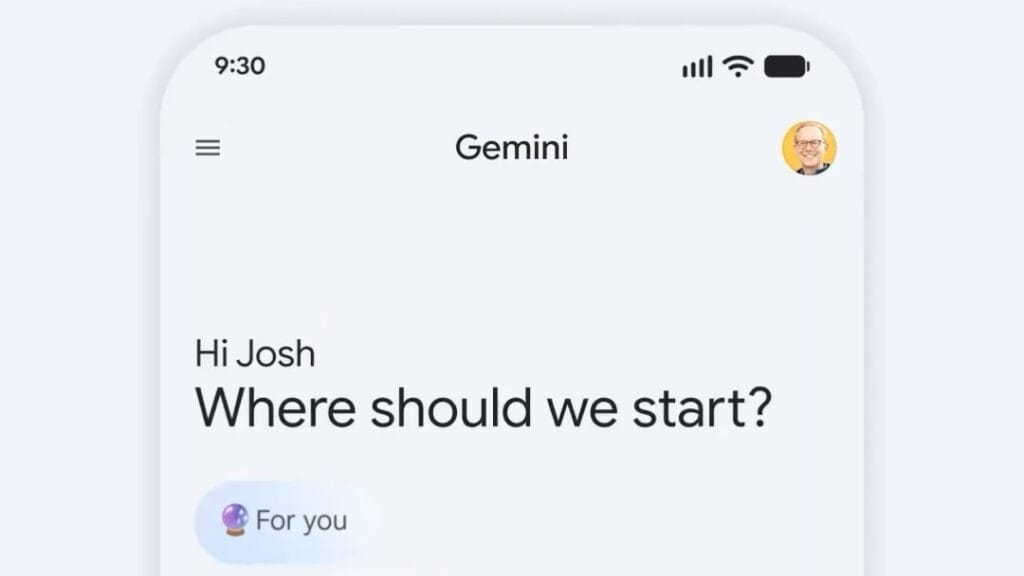
Imagine an AI that doesn’t just answer your questions but anticipates your needs by drawing from your own life, your emails, photos, search history, and YouTube watches.
That’s the magic Google just unveiled with Personal Intelligence for Gemini, and as a tech enthusiast who’s always buried in apps, I can already see how this could transform my daily routine from chaotic to seamless.
Launched in beta on January 14, 2026, this feature lets Gemini securely connect your Google ecosystem with a single tap, making recommendations feel eerily spot-on.
No more generic advice; it’s all about you. Whether planning trips or shopping for car parts, this upgrade promises to save time and spark joy in unexpected ways.
What’s New in Personal Intelligence
This isn’t just another AI tweak, it’s a fundamental shift toward hyper-personalized assistance.
For the first time, Gemini can reason across multiple Google apps (with your explicit permission) to deliver tailored insights.
Previously, AI responses were based on general knowledge; now, they incorporate your personal data for deeper relevance.
Key innovations include:
- Cross-App Reasoning: Gemini pulls details from Gmail, Google Photos, Search, and YouTube to connect dots you might miss.
- Beta Rollout: Starting now for select users, with plans to expand to more countries, the free tier, and AI Mode in Search.
- Feedback-Driven Improvements: Google is actively seeking user input to refine the system, acknowledging it’s still in early stages.
New Release: Zhipu AI released GLM-Image: A Game-Changing Open-Source Image Generator That’s Redefining Creativity
Standout Features and How They Work
Here are the core features that make Personal Intelligence a game-changer:
- Personalized Recommendations: Ask “Recommend tires for my car,” and Gemini references your vehicle’s make/model from emails or photos, even factoring in your driving habits.
- Tailored Planning: Query “Hidden gems in Chicago,” and it cross-references travel dates from Gmail with your photo interests (like nature shots) to suggest spots like Garfield Park Conservatory.
- Interest-Based Suggestions: For books or content, it analyzes your YouTube history and searches to curate lists that match your evolving tastes.
These examples highlight how the AI avoids “over-personalization” pitfalls, but if it errs, you can correct it mid-chat.
Pricing, Availability, and Privacy Essentials
Personal Intelligence is free to try in beta, but currently limited to Google AI Pro ($20/month) and Ultra ($100/month) subscribers in the U.S., in English only.
The base Gemini app remains accessible without a subscription, and expansions to free users are coming soon.
Privacy is front and center, I appreciate how Google lets you disconnect apps, tweak settings, or delete history anytime. Data stays secure, not used for ads, ensuring control remains with you.
Getting Started and What to Expect
To enable it: Open the Gemini app, head to Settings > Personal Intelligence, and select apps to connect. Look for an invite on your home screen if it’s rolled out to you.
As a beta, expect occasional inaccuracies, but thumbs-down feedback helps refine it. For me, this feels like the future of AI, practical, intuitive, and truly mine.
FAQs
What is Personal Intelligence in Gemini?
It’s a new beta feature that connects your Google apps (like Gmail and Photos) to make Gemini’s responses more personalized and helpful.
How do I turn on Personal Intelligence?
In the Gemini app, go to Settings, tap Personal Intelligence, and choose which apps to connect. It’s rolling out gradually, so check for an invite.
Is Personal Intelligence free?
Yes for the beta, but currently available only to Google AI Pro and Ultra subscribers. It will expand to the free tier soon.
What about privacy with this feature?
You control everything, disconnect apps, adjust settings, or delete chats anytime. Data isn’t used for advertising.
Can I use it outside the U.S.?
Not yet; it’s launching in the U.S. first, with more countries coming soon.