Google has quietly started rolling out AI features powered by its new “Gemini” neural network technology to web users within Gmail, altering how people read, search, and write emails with summaries, conversational search, and smart writing.
Google is finally shipping a significant AI upgrade inside Gmail, bringing its new Gemini AI directly to the inbox experience, quietly.
Unveiled on Thursday, the update brings with it smarter tools to help you read, write, and search for emails, all designed to lower a user’s cognitive overhead when faced with an overstuffed inbox.
With more than 1.5 billion people around the world now using Gmail, this isn’t a small-scale experiment either.
It is one of the largest real-world rollouts of advanced AI inside a daily productivity tool, and it indicates how serious Google is about making email feel less like work and more like assistance.
Rather than tacking on a shiny new feature, the company seems to be reimagining what it means to use email at all.
It is not meant to replace human decision making, but rather free people from friction in ordinary tasks that slow them down.
Also Read: What Is ChatGPT Health? OpenAI’s New Medical AI Platform Explained
Standout New Features
The Gemini tools that have started showing up in Gmail now are all about everyday common sense.
These are not contrived number-crunching AI demos, but features meant for inboxes that receive dozens or hundreds of messages a day.
- AI Summaries: Bye-bye, long confusing email threads; hello, instant summaries. Gemini highlights pivotal decisions, action items, and context so that users don’t have to scroll indefinitely to catch up.
- Conversational Search: Now, instead of depending only on exact keywords or phrases in your searches, users can type (or speak) natural queries right into the search box. Questions such as what flights Sarah booked or where the Q1 budget update is mentioned now show direct answers pulled from email text.
- Help Me Write: Craft emails with the help of AI prompts inspired by quick tonal cues. The system eventually learns the writer’s tone and adjusts to mimic it, which means your messages feel less script-like.
- Smarter Suggested Replies: Provided replies aren’t merely archaic templates. Gemini takes into account ongoing conversation history and context to make responses feel more tailored to your individual experience.
- Advanced Proofreading: Live suggestions go beyond just checking for errors. Users receive support with clarity, tone, and concision while writing itself, without needing a separate tool.
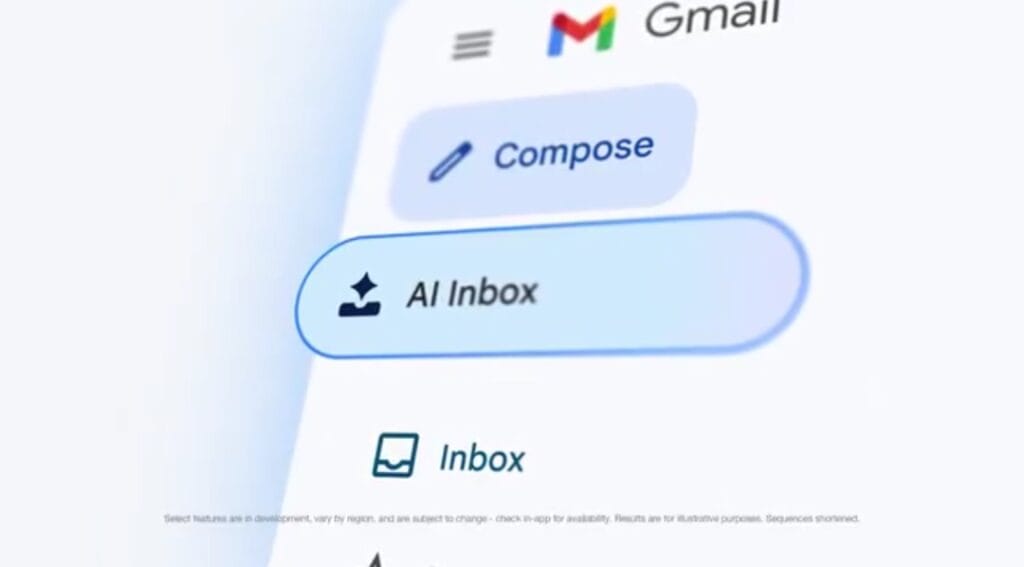
It’s also been confirmed by Google that AI Inbox mode is coming.
This upcoming feature will intelligently highlight important messages for you, group related emails together, keep them in a more readable layout, and bring the most urgent mail to the top of your inbox.
How Gmail Changes With Gemini
The change becomes apparent when comparing how common tasks worked before and how they work now with Gemini in the picture.
| Task | Traditional Gmail | Gmail With Gemini AI |
|---|---|---|
| Reading long threads | Manual scrolling and scanning | Instant summaries with clear highlights |
| Finding specific details | Keyword based search only | Natural language questions with direct answers |
| Writing emails | Starting from a blank draft | AI assisted drafts tailored to your tone |
| Replying quickly | Basic canned responses | Context aware and personalized suggestions |
| Inbox organization | Manual labels and filters | Intelligent prioritization coming soon |
This contrast highlights that Gemini is not merely automation for the sake of it; it’s about minimizing repetitive work.
Also Read: Grok Imagine Update 1.3.28 Brings Faster Image and Video Generation on iOS
Availability and Rollout
Starting this week, the core features of Gemini are being rolled out to Gmail users gradually.
Basic capabilities are unlocked without a paid subscription, indicating that Google is aiming for wide adoption rather than restricting access at the outset.
More advanced capabilities, such as deeper analysis of your inbox messages and higher usage limits, are reserved for Google AI Pro and Ultra customers.
This hierarchy enables casual users to get immediate benefits while offering greater depth for power users.
On the privacy front, Google maintains that it doesn’t use email content processed by Gemini for advertising.
Users also maintain complete control and can switch off specific AI features directly from settings if they prefer a more traditional inbox.